Inputting text
On-screen Keyboard
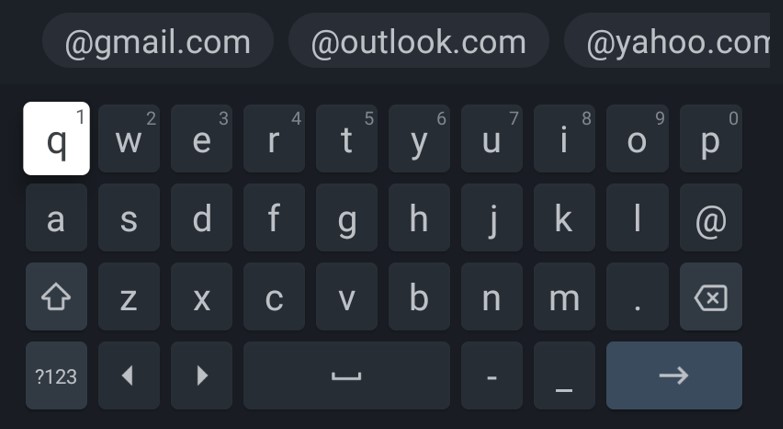
The TV includes a preinstalled on-screen keyboard, which appears whenever text needs to be entered by the user, e.g. Wi-Fi password or website address in the web browser. To navigate the on-screen keyboard, use the ARROW buttons on the remote control. Press OK to enter the selected character.
If you press and hold the OK button for 2 seconds while a symbol is selected, this will display the associated national character(s) with accents or diacritical marks.